
TiE Dubai masterclass resources
Have an Idea? Let’s Build It!
If you can visualise it, you can build it, using AI.
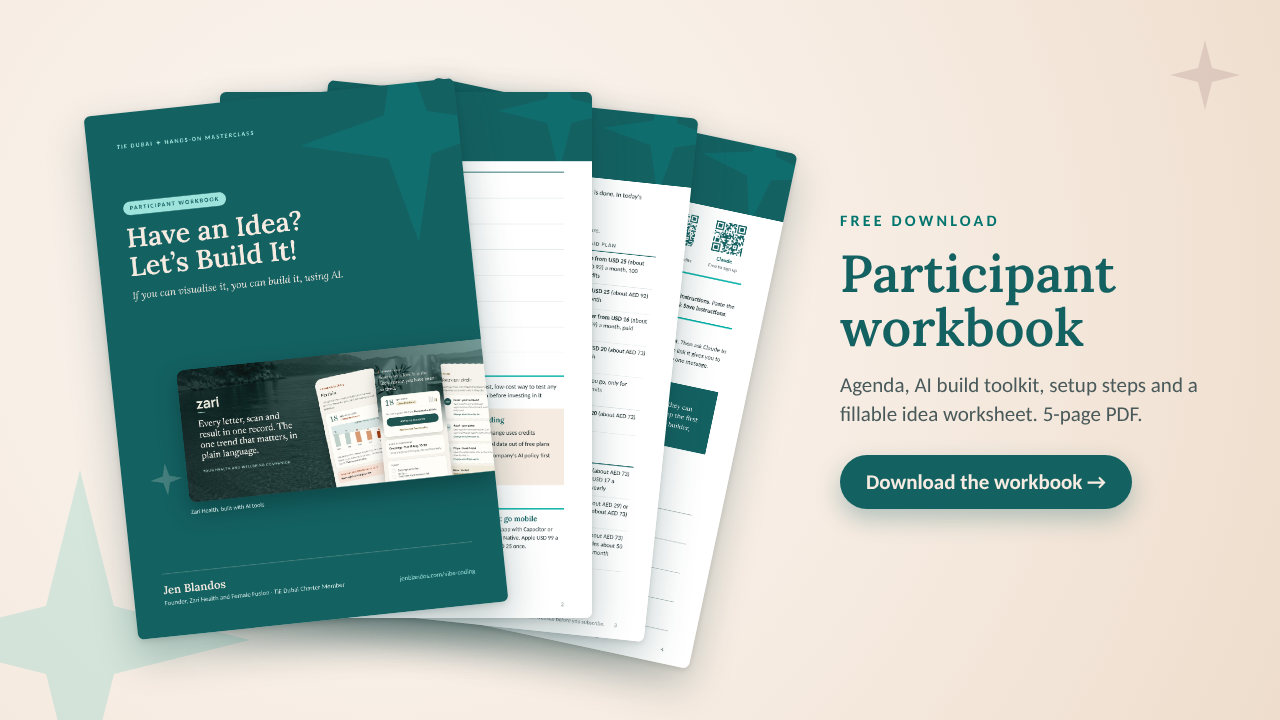
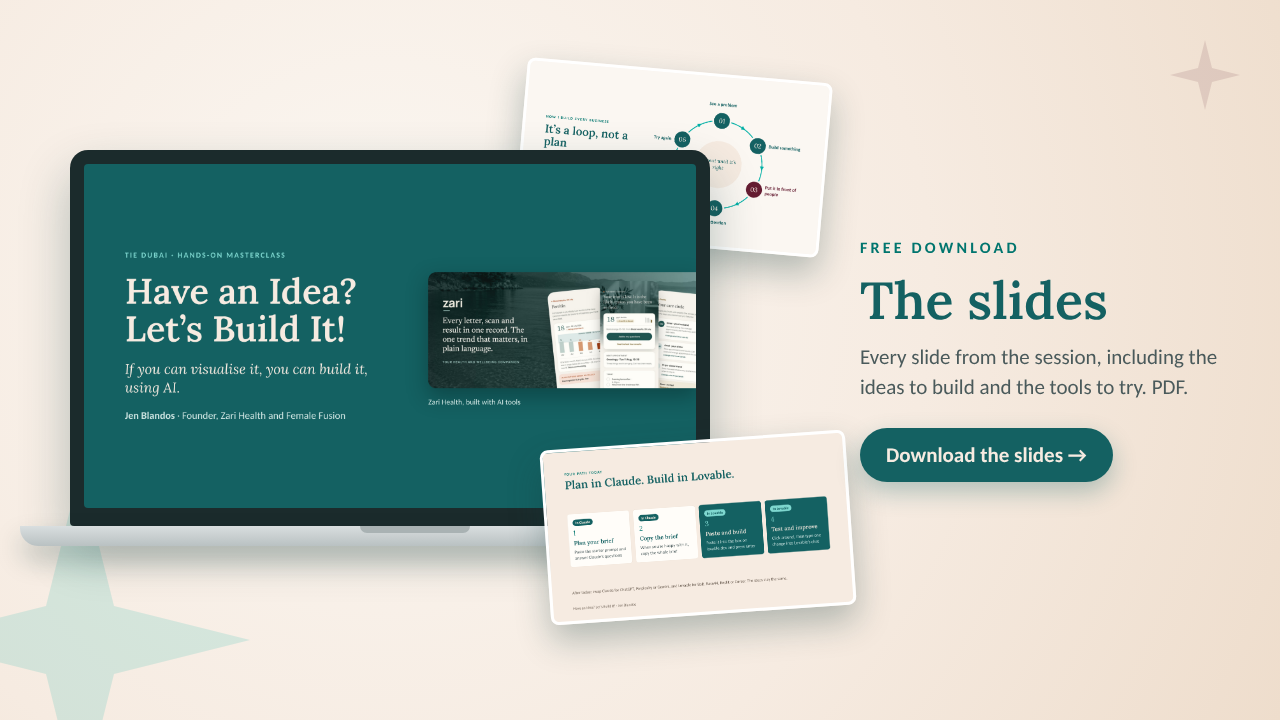
You can access all of the workshop resources in one place: the workbook, the slides, the tools and the setup steps.
Your downloads
Print them, fill them in, or keep them on your laptop.
Get set up in two minutes
Sign up to both before you start building.
Claude
Your build assistant. Plan your idea and write one clear brief. Free to sign up.
Lovable
Your app builder. It turns your brief into a working prototype. Sign up with this link for 10 bonus credits.
Set up your own build assistant
Plan in Claude. Build in Lovable or Replit. One clear brief uses far fewer credits than ten small corrections.
1. Create a Project
Go to claude.ai/projects and click + New Project. Name it after your idea.
2. Add instructions
Click Set project instructions, paste the text below, fill in the brackets and save.
3. Connect a builder
In a chat, click +, then Connectors and Browse connectors. Connect Lovable or Replit.
4. Plan, then build
Agree the brief in Claude, then ask it to send the brief to your builder in one go.
Project instructions to copy
“You are my build assistant. I want to build [what you want to build] for [who it is for] so they can [the problem it solves]. Ask me questions one at a time until you understand the idea. Keep the first version small: one screen and one main action. Write a clear, complete brief for an AI app builder, and show it to me for approval before you send it anywhere.”
Your AI build toolkit
Start on a free plan. Pay only when you are building one project regularly, and cancel when it is done. The workbook has the full price guide.
AI app builders
Describe it in plain language and get a working app, dashboard or prototype.
- Lovable: apps and platforms with logins and saved data
- Bolt: fast first versions of apps and dashboards
- Base44: all-in-one apps with a database built in
- Replit: apps with more logic, a good next step
- Google AI Studio: try ideas for free with a Google account
- Cursor: an AI code editor for more technical builders
AI assistants
Use these to plan your idea, write your brief and build simple prototypes.
- Claude: planning, writing and interactive prototypes
- ChatGPT: planning your idea and drafting content
- Perplexity: research with sources, plus dashboards and reports with Labs
- Gemini: Google’s assistant, handy if you live in Google Workspace
Back it up. Put it online. Take it mobile.
The key tools to turn your prototype into a real app.
GitHub
A safe online home for your app’s code, like Google Drive with a full history of every change.
Why use it: back up your work, undo mistakes, move to another tool, or hand your app to a developer. Lovable connects to it in a few clicks.
Cloudflare
The front door to your app on the internet. A free account covers it.
Why use it: you don’t need it to build, because Lovable and the other builders host your app. When you want your own web address, Cloudflare connects your domain, adds the padlock, blocks attacks and speeds things up. You can buy your domain there at cost price.
The app stores
Most AI builders make web apps that open in a browser. A phone app store needs a phone app.
How: wrap your web app with a tool like Capacitor, or build a phone app from the start with React Native. Developer accounts: Apple USD 99 a year, Google USD 25 once. Test your idea as a web app first.
Built something? Send it to me.
I’d love to see what you make. Connect with me on LinkedIn, or find out more about my work.